Shape Library

Adding an icon – one method is to click the shape option then the gear icon and then the Shape Open Library
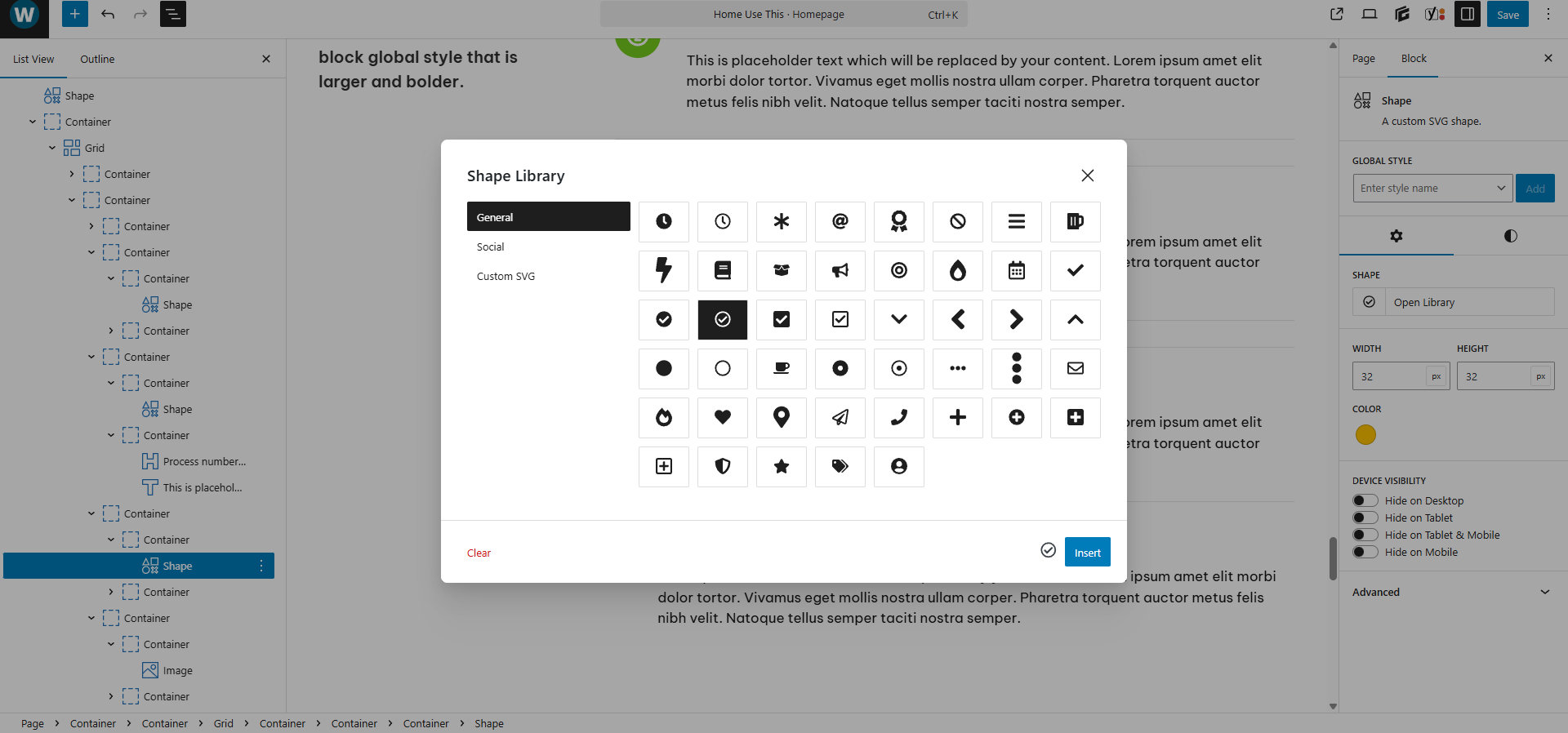
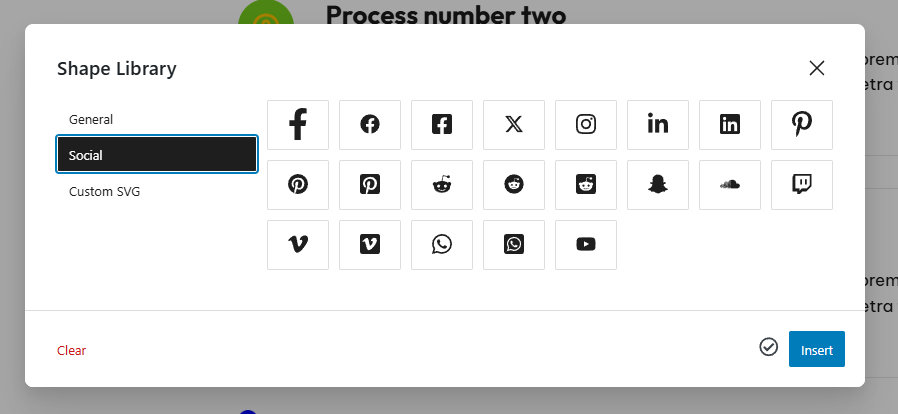
In the Shape Library there are three options General, Social, Custom SVG
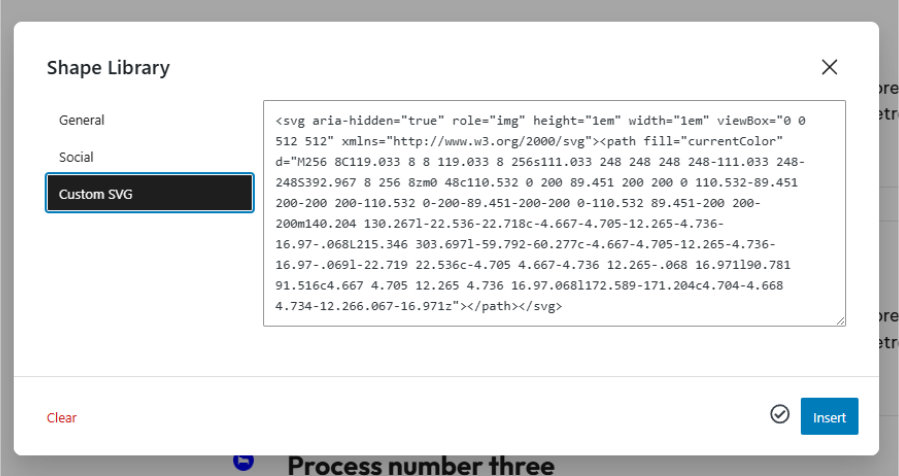
If you click on an icon – then in the custom SVG the code for that shape appears.
Clear does that. Then you can paste in another SVG Icon code.
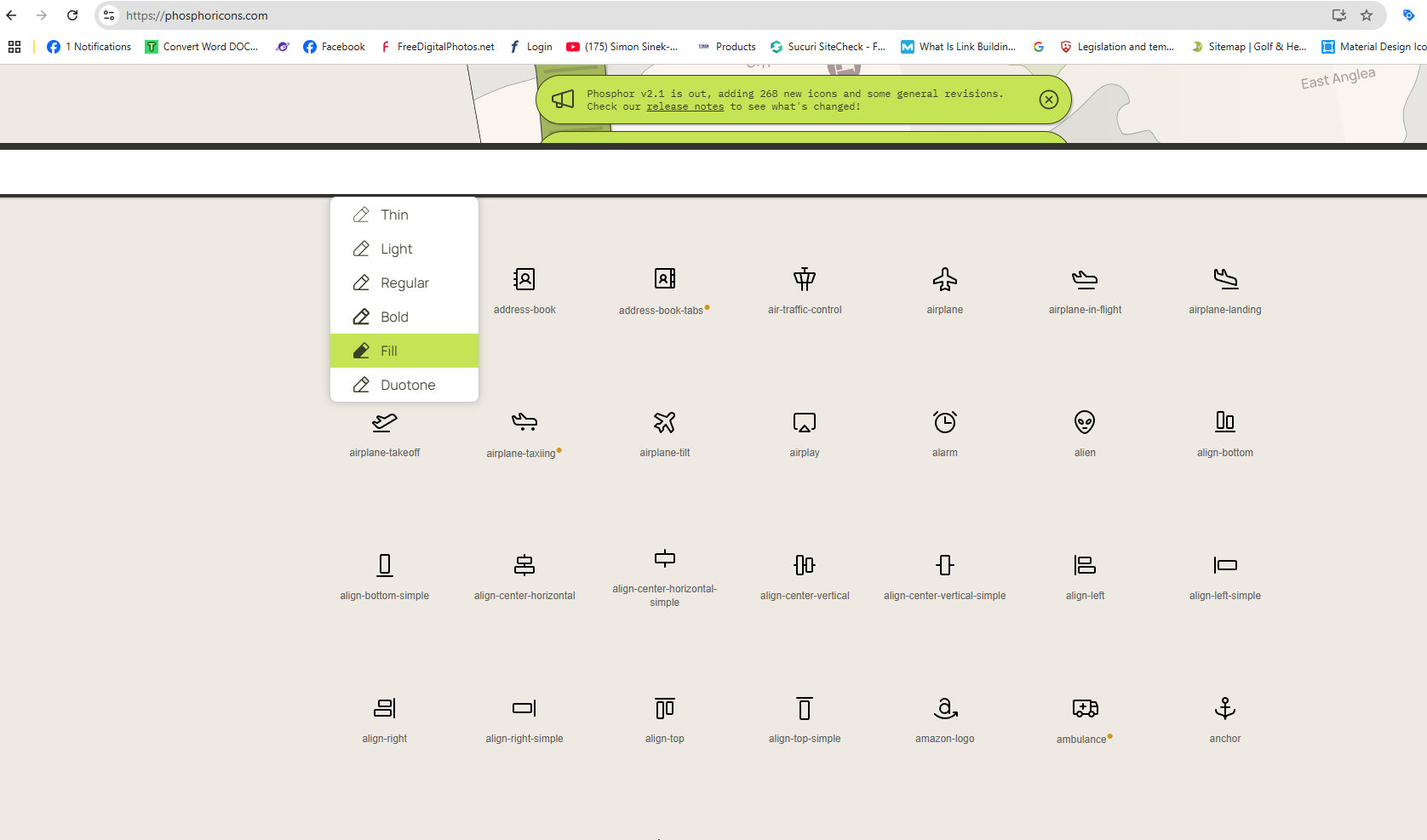
To get that code one goes to say on my computer C:\Users\44798\Documents\I\Icons PhosPhor\phosphor-icons\SVGs
There are a lot of SVG icons
Dropping those Icons in to XARA will show the icon.
Opening the icon with Microsoft Edge shows the icon – it fills the screen
Click View Page Source
Ctrl A
Ctrl C
| <svg xmlns=”http://www.w3.org/2000/svg” viewBox=”0 0 256 256″><rect width=”256″ height=”256″ fill=”none”/><path d=”M216,112v16c0,53-88,88-88,112,0-24-88-59-88-112V112″ fill=”none” stroke=”currentColor” stroke-linecap=”round” stroke-linejoin=”round” stroke-width=”24″/><path d=”M80,56h96a48,48,0,0,1,48,48v0a8,8,0,0,1-8,8H40a8,8,0,0,1-8-8v0A48,48,0,0,1,80,56Z” fill=”none” stroke=”currentColor” stroke-linecap=”round” stroke-linejoin=”round” stroke-width=”24″/><path d=”M128,56V48a32,32,0,0,1,32-32″ fill=”none” stroke=”currentColor” stroke-linecap=”round” stroke-linejoin=”round” stroke-width=”24″/></svg> |
and you get something like this.
If you having deleted the custom code from the GenerateBlocks Custom SVG one can then swap in this new code.
The background colour is controlled from here.
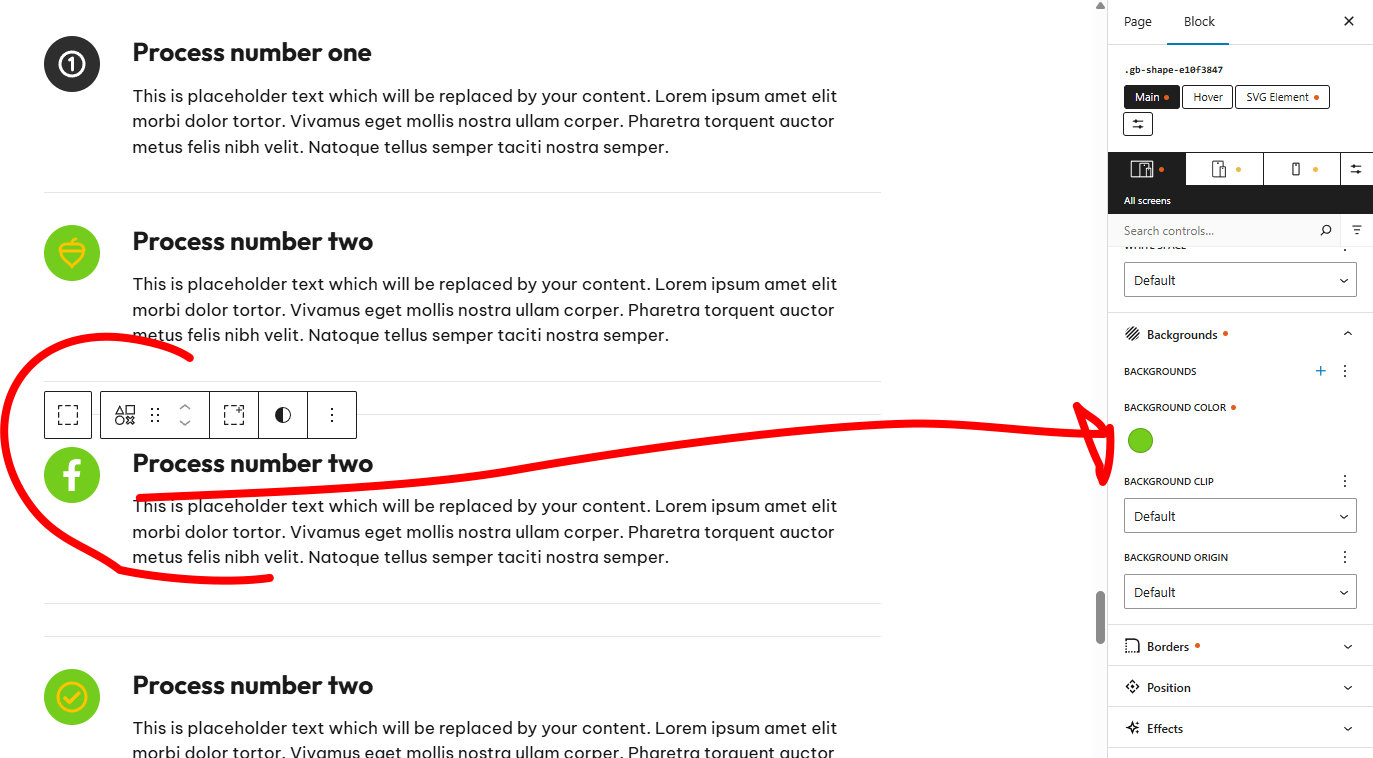
The icon colour is controlled from the text colour option.
What makes the Icon round not sure.